

Log in to the Billing Portal
Visit billing.xahosting.co in your browser. Make sure you are logged in.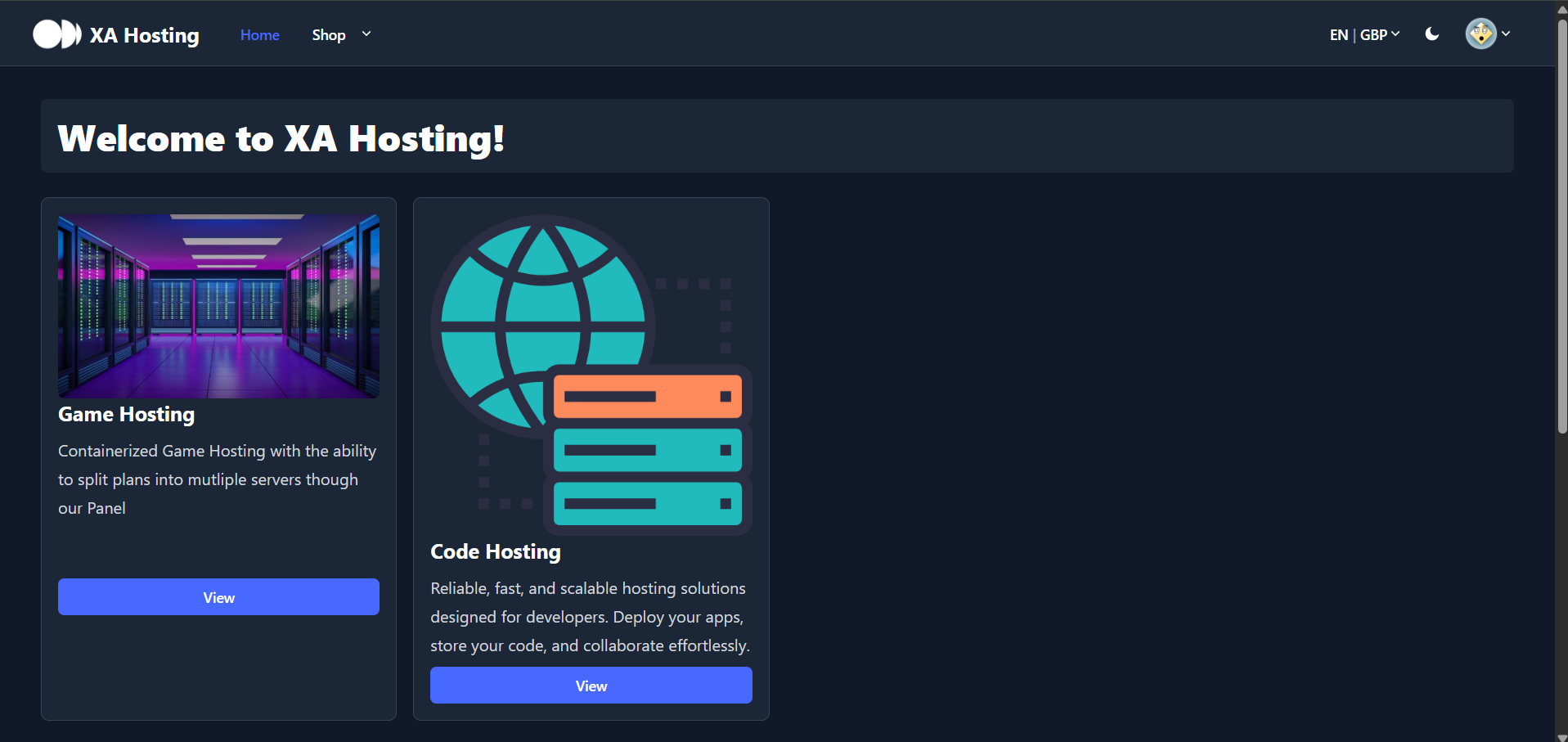
Open Security Settings
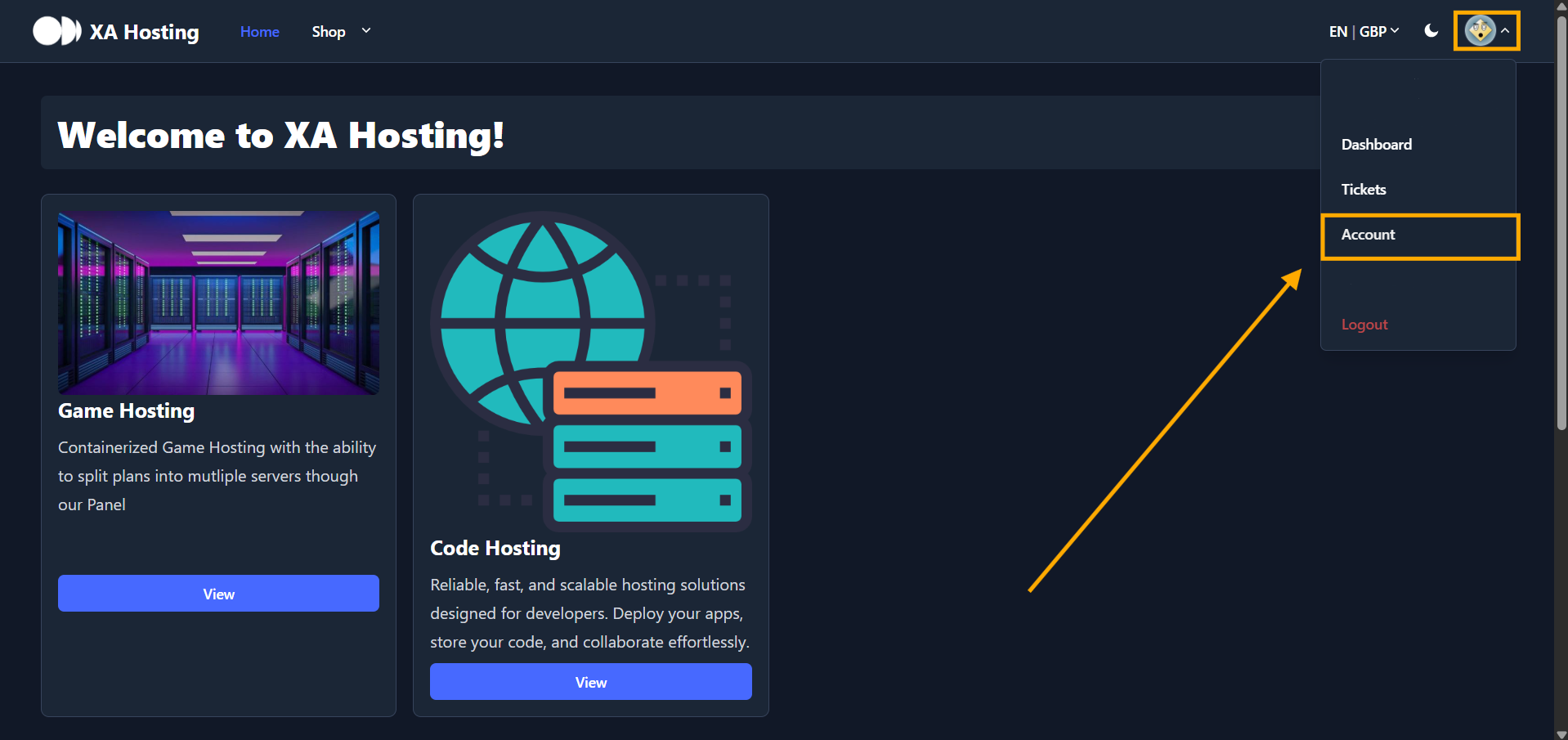
- Click your profile picture at the top of the page.
- Select
Accountfrom the dropdown menu.
Enable Two-Factor Authentication
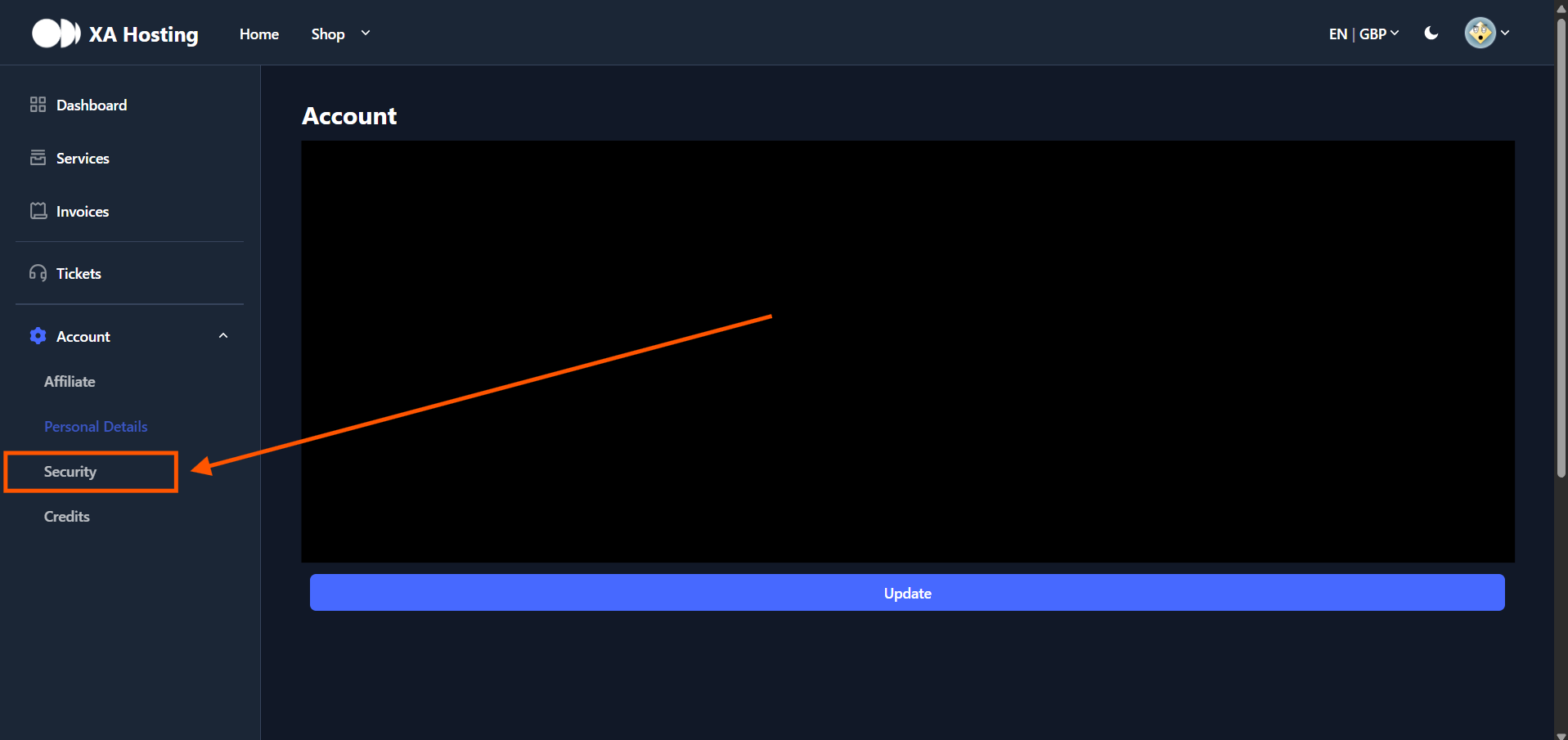
- Locate the
Securitysection in the left sidebar.
- Click Enable 2FA.
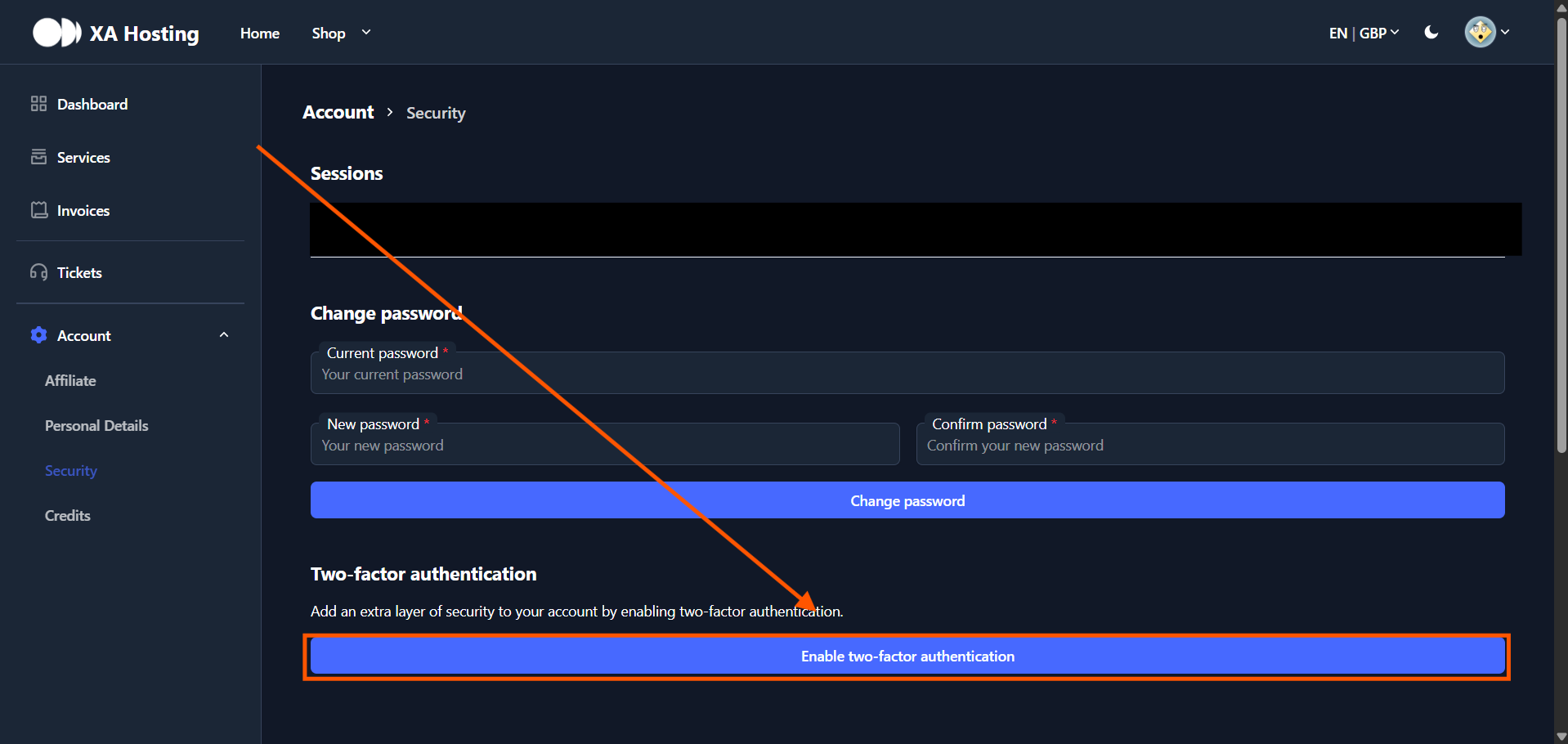
Two-Factor Authentication is now enabled! Your account is protected with an extra layer of security.